
Payment & Top Up
Understand recommended top-up plans, customize payment amounts, and manage billing history with self-service invoice downloads.
In the CoffeeRouter Console, you can purchase credits via the Top-up | Billing function to call all AI models.
Top Up
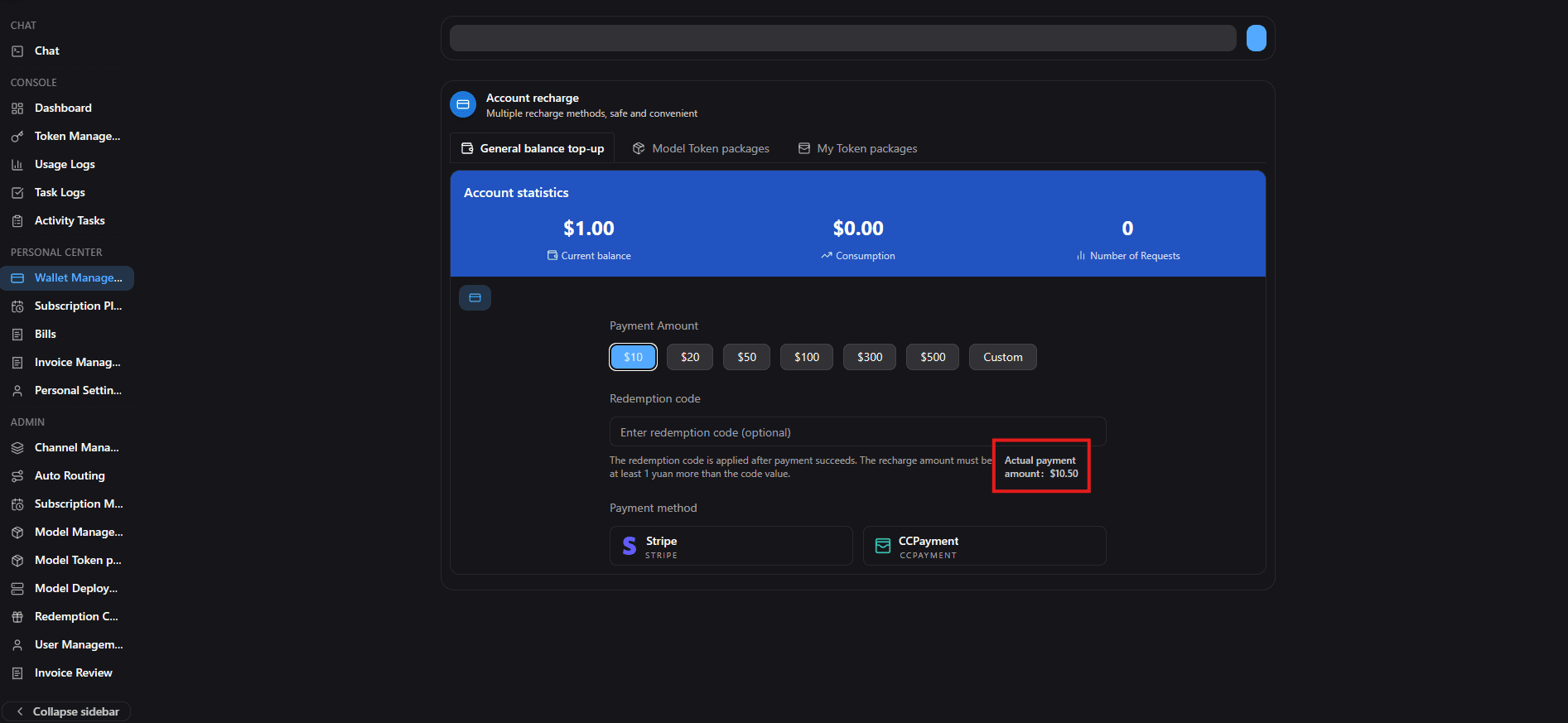
Enter the console Top-up | Billing page to see your current credit balance and top-up options.
Recommended Plans
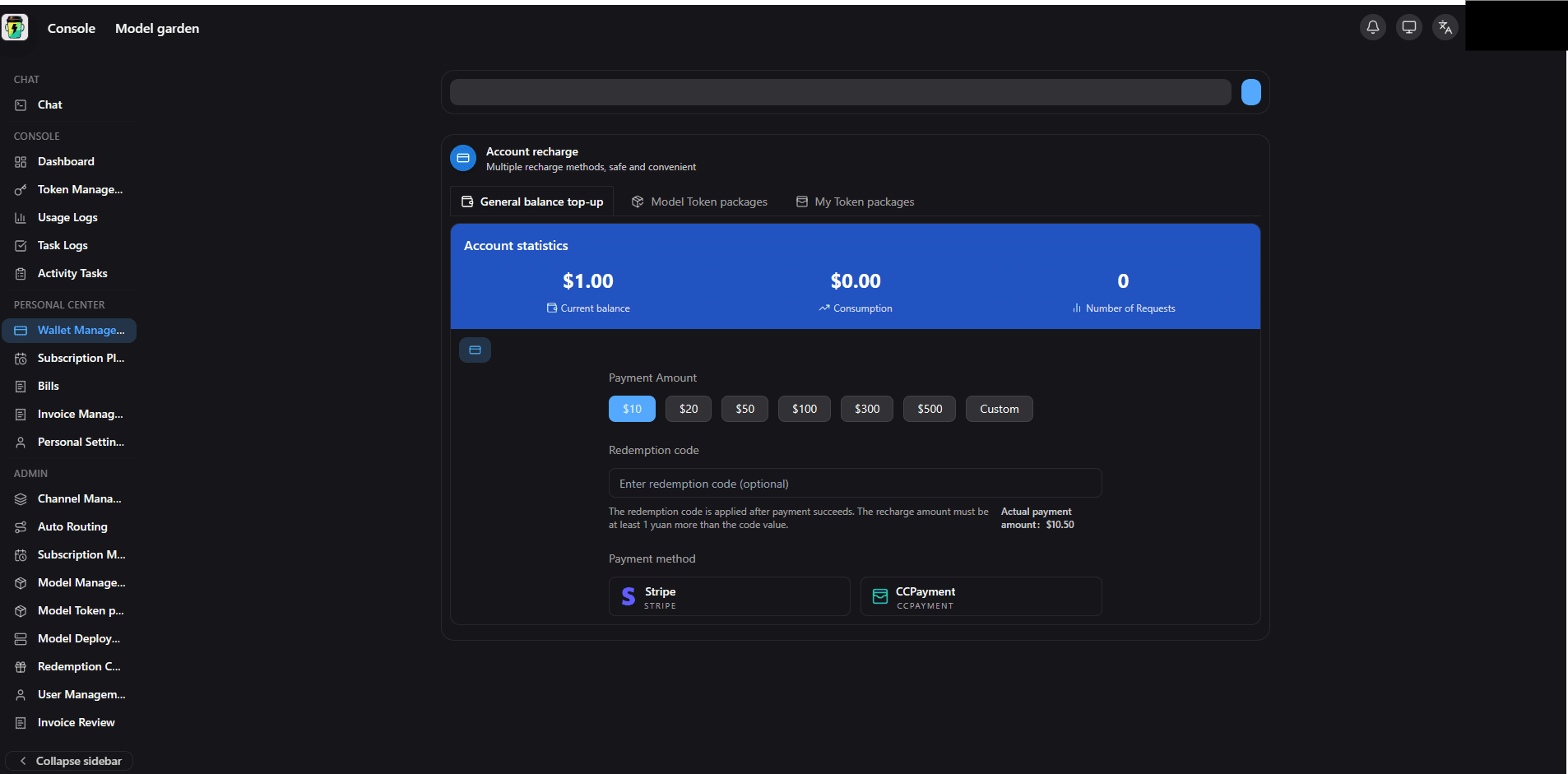
To accommodate different usage scales, CoffeeRouter provides recommended top-up plans. These are not monthly subscriptions — credits are deducted based on actual usage.
- Study ($20): ideal for personal learning, exploration, and light daily use.
- Standard ($100): ideal for power users and small teams with complex daily workflows.
- Pro ($500): enterprise-grade usage with a shared quota pool for teams.
- Max ($1,500): organization-level AI infrastructure for large-scale workflows.
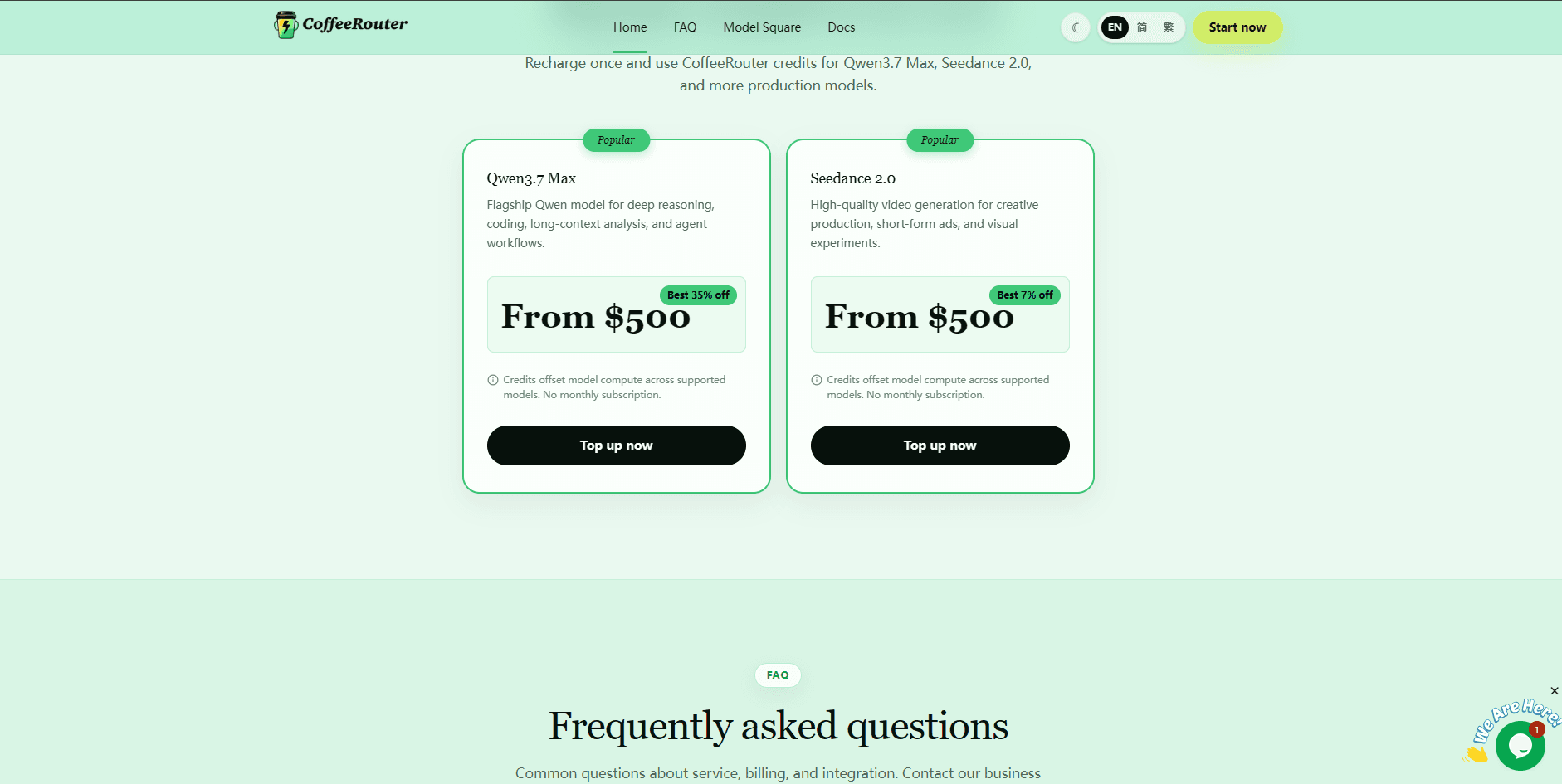
Clicking Top Up under any plan will automatically redirect you and select that specific top-up amount in the console.
Choose Amount
On the Top Up tab in the console, you can select or customize your amount:
- Quick top-up: click a preset amount button such as $20, $100, $500, or $1500.
- Custom amount: manually enter your desired USD amount.
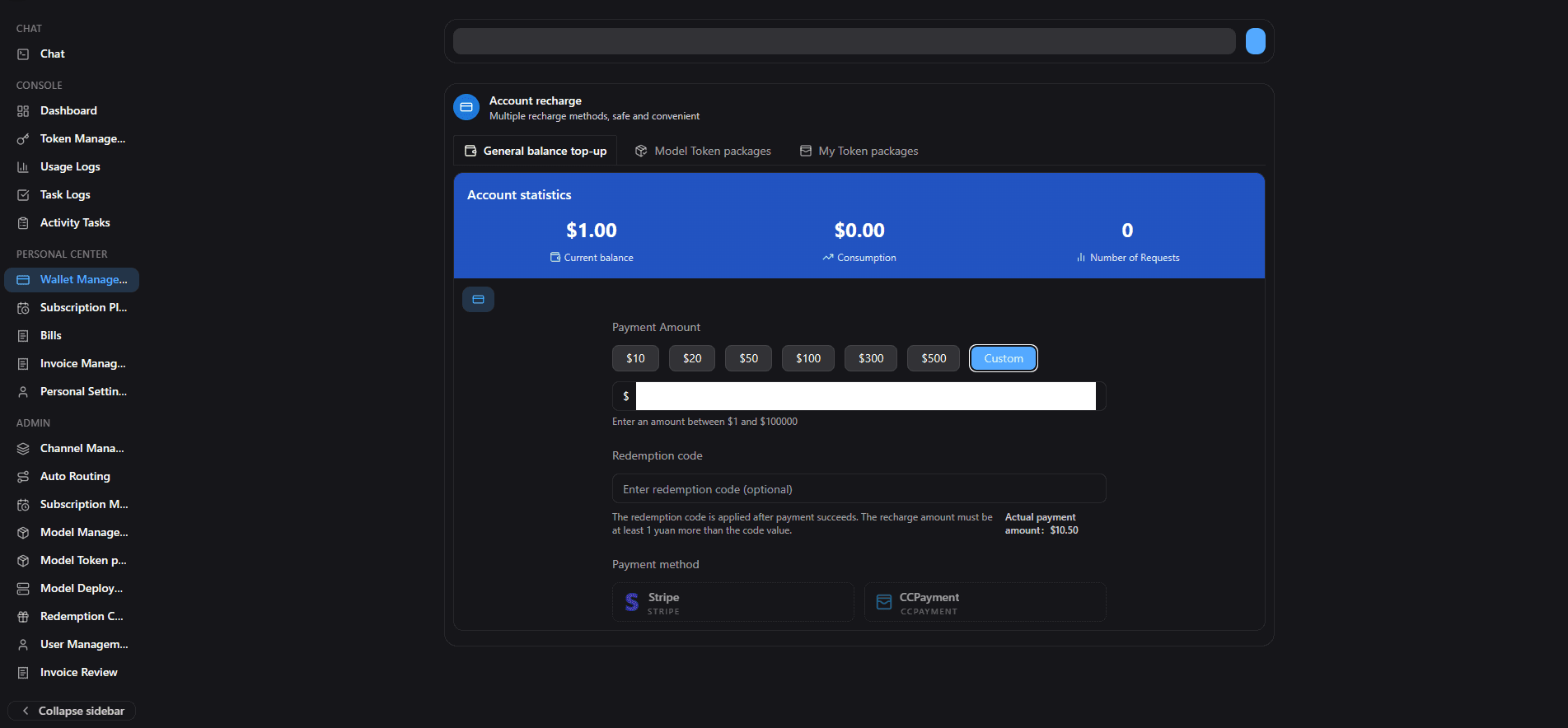
The page calculates the corresponding credits and payment amount in real time.
Complete Payment
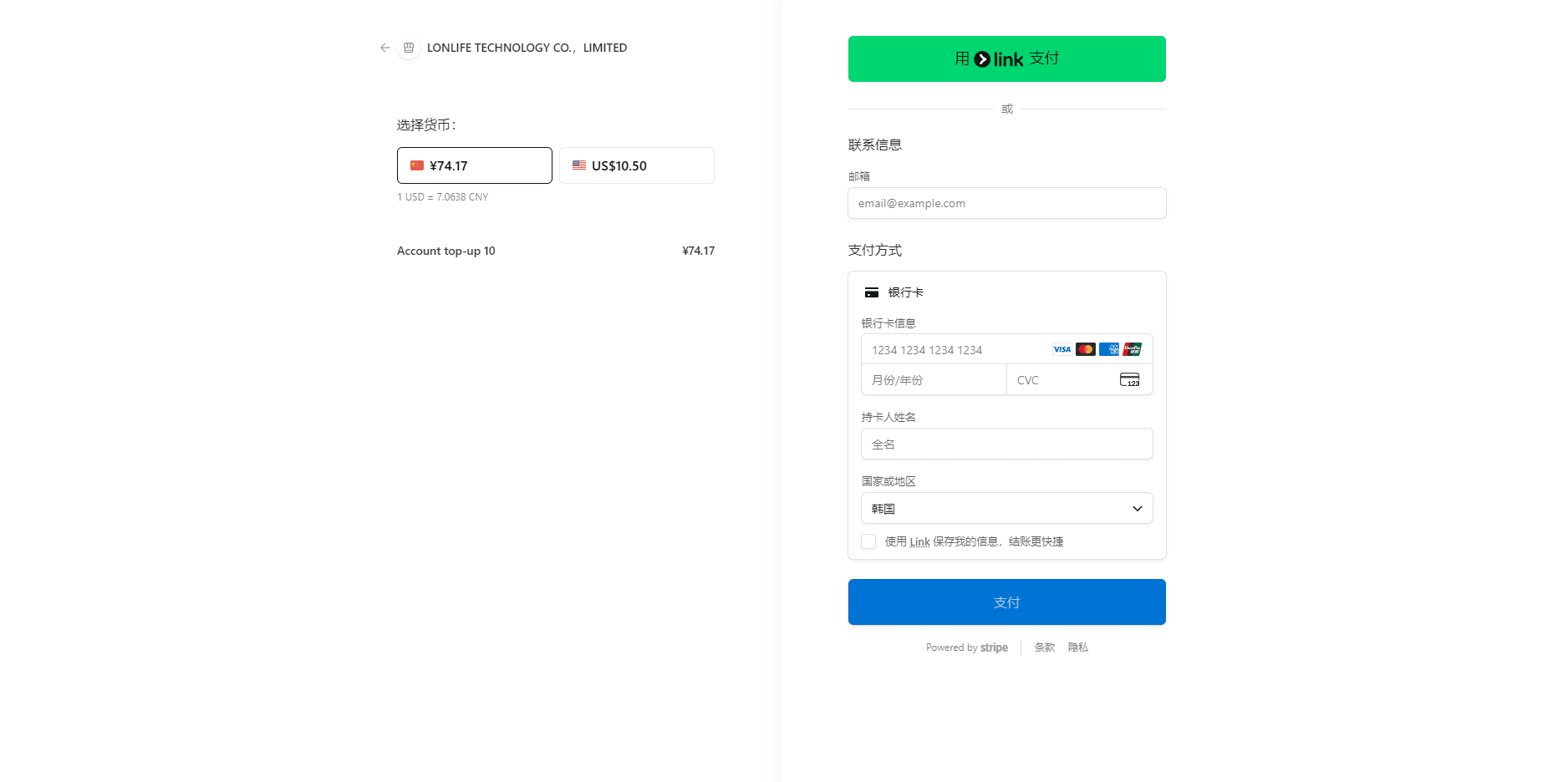
After confirming the details, click Get Credits, choose a payment method, and complete the payment.
Multiple payment methods are supported, such as Stripe, Airwallex, Alipay, and more. Available options are shown on the page.
After successful payment, you will return to the console and credits are added instantly.
Billing History & Invoices
CoffeeRouter provides seamless billing history checks and self-service invoice downloads:
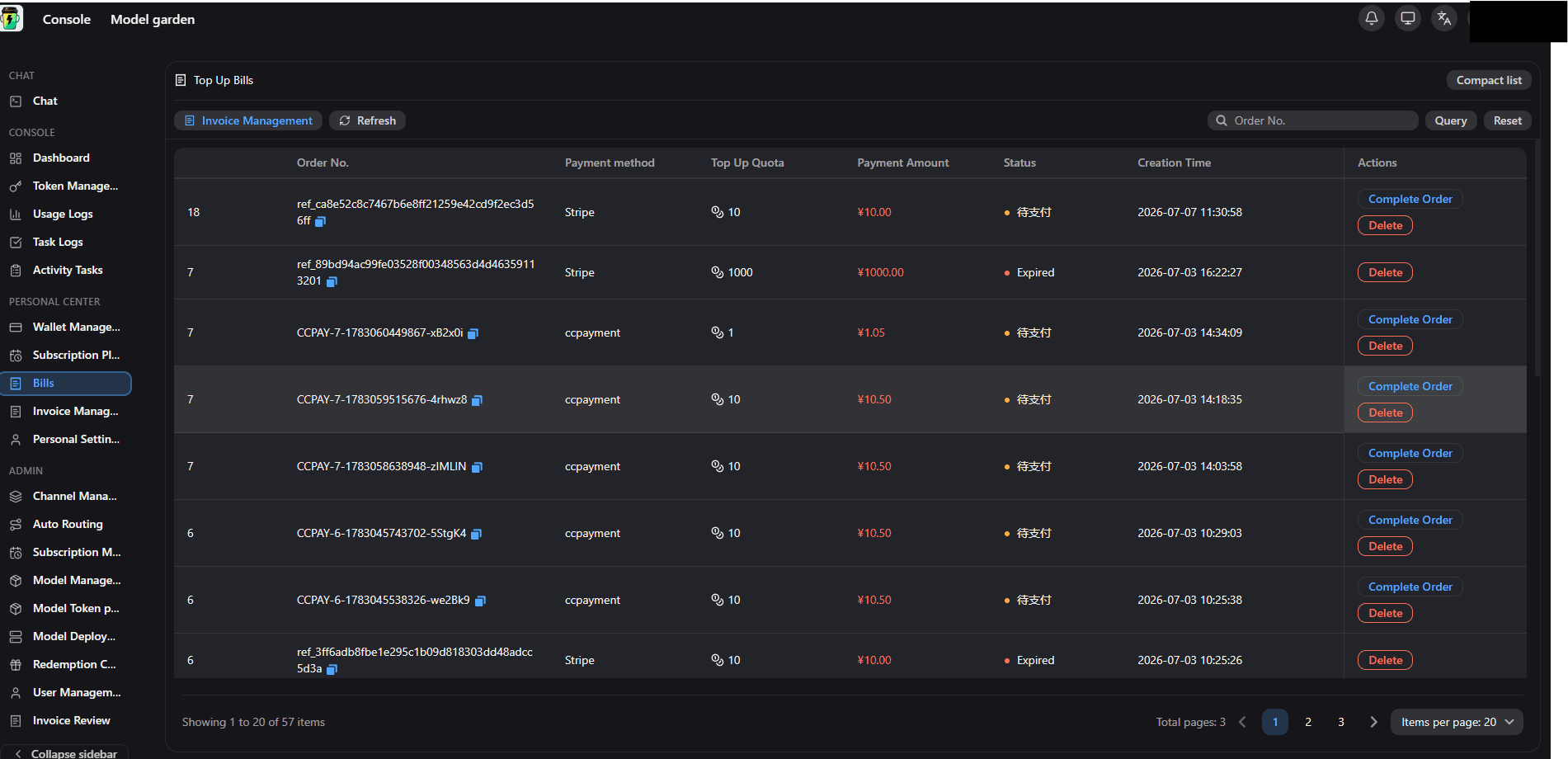
- View Bills: go to the console Top-up | Billing page and open the Bills tab to check historical orders. For any unpaid orders, click Complete Order to finish the payment.
- Download Invoices: for successful orders, click the download icon under the Invoice column to download your invoice directly.